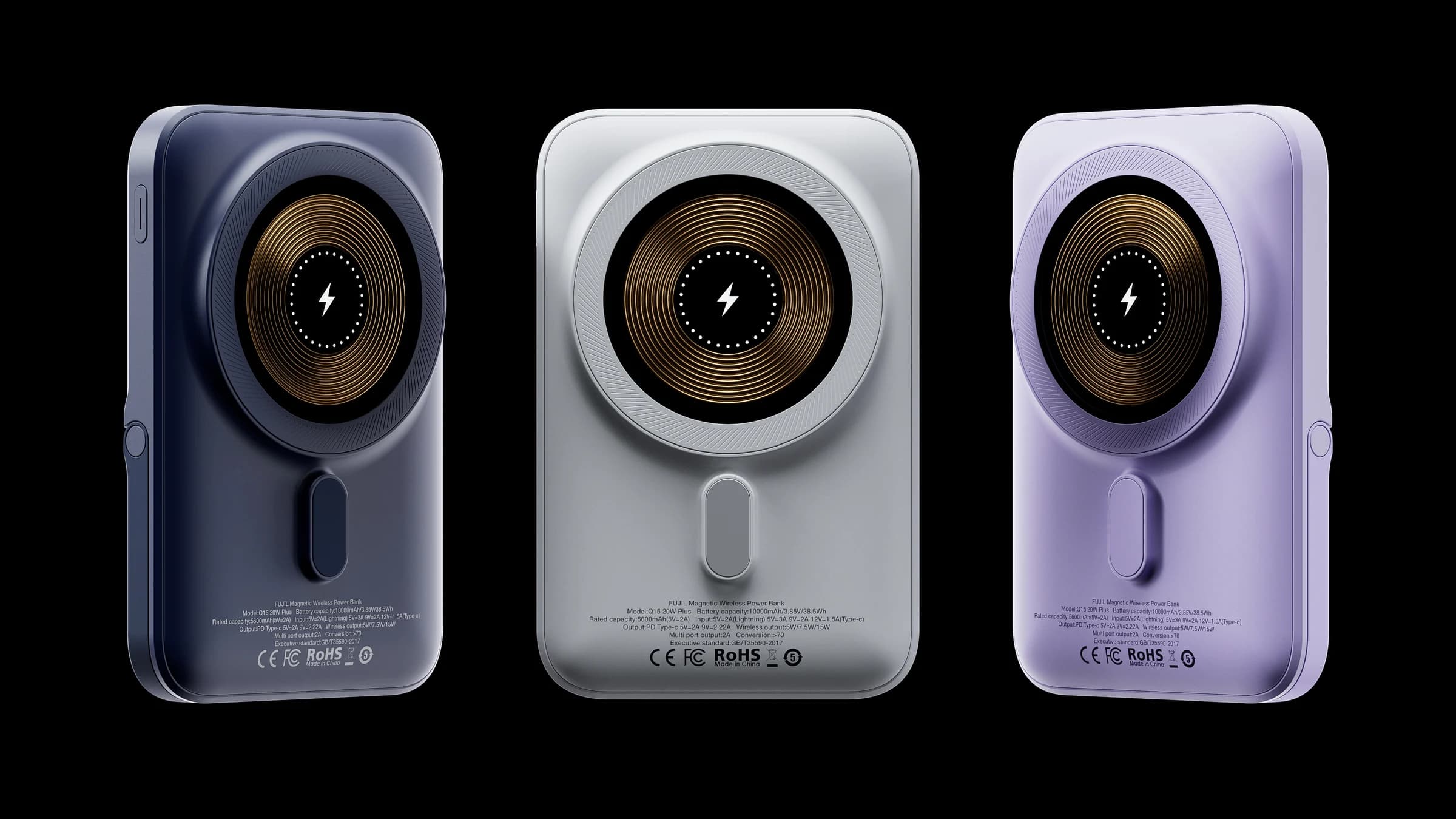
Start with what matters
Before opening a 3D scene, decide what the image needs to communicate. A technical product may need clarity around ports and controls. A skincare product may call for a softer emphasis on texture and atmosphere. The visual approach should come from the product, rather than from a lighting preset.
Choose one primary idea for each frame. Trying to communicate every feature in a single image usually weakens the composition. A hero image can establish presence; a supporting detail shot can explain a particular material or function.
Shape, material, context
An accurate silhouette is the foundation. Small edge bevels help light describe an object; realistic proportions make even a stylized image feel believable. Materials then add the visual cues that distinguish coated metal from rubber, or frosted glass from plastic.
Context does not have to mean an elaborate environment. A surface, a background and a carefully placed shadow can be enough to create a sense of scale and purpose. Remove elements that compete with the product.
Design for the destination
A landscape campaign image and a square marketplace listing serve different needs. Plan safe areas, crops and text placement early. Check the image at the size people will actually see it: the strongest detail in a large render may disappear entirely on a phone.
The goal is a useful image as well as a beautiful one. Build a small, coherent family of views that can tell the product story across its different touchpoints.